
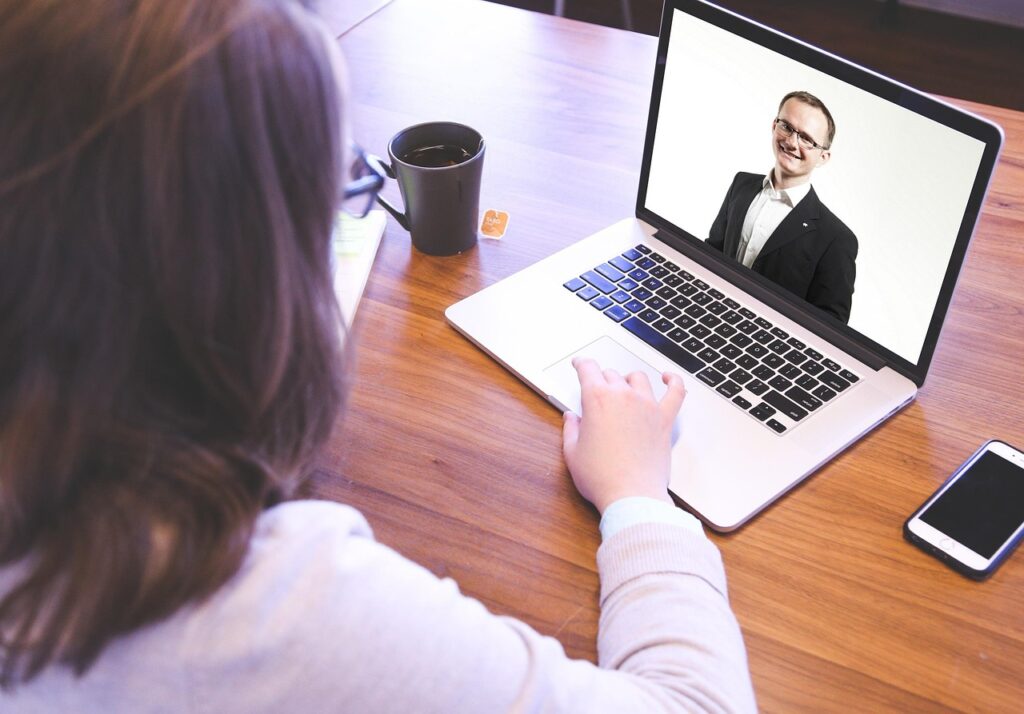
The college interview has changed. While in-person meetings still happen at some schools, virtual interviews conducted over Zoom, Google Meet, or similar platforms are now standard practice at colleges and universities across the United States.
That shift might seem like a convenience. In many ways, it is. But it also introduces a new set of challenges that students and parents often underestimate. A blurry webcam, an untested internet connection, or a cluttered background can undermine a strong candidate before they say a single word.
This guide covers everything your student needs to make a polished, confident impression in a virtual college interview – from the technical setup to the follow-up message after the call ends.
Why Virtual Interviews Demand Extra Preparation
In an in-person interview, the room itself helps – handshakes, body language, and the natural rhythm of conversation. On a screen, all of that is compressed into a small video frame. Every detail carries more weight.
Responses need to be concise, structured, and thoughtful because the window to demonstrate who you are is smaller. Posture, eye contact, vocal pacing, and even how a student handles a lag or frozen screen all become part of the evaluation. The good news: with the right preparation, virtual interviews are completely manageable – and many students find them less nerve-wracking than in-person ones.
Section 1: Technical Setup (Do This Before Anything Else)
Technical problems during a college interview signal a lack of preparation. Handle every detail in advance so none of it becomes a distraction on the day.
Internet Connection: Use a wired ethernet connection if possible. If Wi-Fi is your only option, position yourself as close to the router as possible and close any other apps or devices using bandwidth. Run a speed test the day before and again the morning of the interview.
Device and Platform: Use a computer or laptop – not a phone or tablet. Download and test the interview platform (Zoom, Teams, etc.) in advance. Check that your username displays your full legal name only.
Camera: Position the camera just above eye level. Test it in the actual room where the interview will take place, at the same time of day, to check lighting accurately.
Audio: Test your microphone before the interview. Silence your phone and any desktop notifications before the call begins. Let other people in your home know the interview time so they can keep noise to a minimum.
Section 2: Your Environment
Choose a plain wall or a clean, organized room as your background. Avoid virtual backgrounds unless they are professional and stable – they can be visually distracting and sometimes glitch.
Lighting: Natural light is ideal. Position yourself facing a window so light illuminates your face evenly. Avoid sitting with a window or bright light source behind you, as this creates a silhouette effect. Run a full video test in advance to confirm your lighting looks good.
Section 3: Appearance and Professionalism
Dress for a virtual interview exactly as you would for an in-person one. Wear a clean, pressed button-down shirt, blouse, or neat sweater. Wear full professional attire – including the bottom half. Standing up unexpectedly during the interview is always possible, and being caught in pajama pants is an easily avoidable embarrassment.

Section 4: During the Interview
Eye Contact: In a virtual interview, true eye contact means looking directly at the camera lens – not at the image of the interviewer on your screen. This is counterintuitive and takes practice, but it makes a significant difference in how engaged and present you appear. Position a small sticky note near your camera as a reminder.
Posture and Body Language: Sit up straight throughout the interview. Keep your hands in view when gesturing. Nod and react as you listen – on video, a student who sits completely still can appear disengaged even when they are paying close attention.
Speaking Clearly: Speak at a measured pace – video calls introduce slight delays that can cause people to talk over each other. Avoid filler words as much as possible. If a technical issue occurs, address it calmly: “I apologize – I think we had a brief lag, could you repeat the last part of your question?”
Notes and Preparation: It is acceptable to have a brief outline nearby, but do not read from a script. Have your school research ready: a professor whose work interests you, a course you want to ask about, and a question that shows genuine curiosity.
Section 5: Before and After the Interview
Log on 5 to 10 minutes early to confirm everything is working. Do a final check: camera angle, lighting, background, microphone, phone silenced. Take a few slow breaths – nervousness is normal.
Closing the Interview: Thank the interviewer genuinely and reference something specific from the conversation. Reiterate enthusiasm: “This conversation has made me even more excited about the possibility of attending [College Name].”
The Follow-Up: Within 24 hours, send a brief thank-you email to the interviewer. Keep it to three to four sentences: express gratitude, reference something specific from the conversation, and reiterate your interest. This step is skipped by many students – doing it well makes a quiet, lasting impression.
Common Virtual Interview Mistakes to Avoid
Logging on at the last minute and discovering a technical problem. Looking at your own image on screen instead of at the camera. Failing to research the specific school thoroughly. Keeping a phone visible or within reach. Giving answers that are too long – aim for 90 seconds to 2 minutes per answer, then pause. Skipping the follow-up thank-you.
Quick Virtual Interview Checklist
- Internet connection tested and stable
- Platform downloaded, tested, and username updated
- Camera positioned at eye level
- Lighting checked – face well-lit, no bright light behind you
- Background is clean and professional
- Full professional attire selected and ready
- Phone silenced and notifications off
- School research completed – programs, professors, and questions prepared
- Practice session completed with camera and mic
- Thank-you email drafted and ready to send after the interview
Final Thought
The virtual format of a college interview is not a disadvantage – it is an equalizer. Every student has the same opportunity to show up prepared, professional, and genuinely engaged. The students who stand out are the ones who take that opportunity seriously.
If you are working through the college admissions process and want support at every stage – from interview prep to college selection to financial planning – Pathfinders College & Career Advisors is here to help. Schedule a complimentary strategy call and get started with a plan built around your student.